
Welcome to
Exer Academy!
From first scan to confident clinical use
Exer Academy is a guided training experience designed to help your team set up, assess, and apply movement data in real-world care settings.
A comprehensive course to become Exer scan certified

Exer is a clinical AI tool designed to support, not replace, clinician expertise. Using only an iPad and camera-vision software, Exer captures objective, real-time motion data in under 30 seconds, without the need for wearables or sensors.

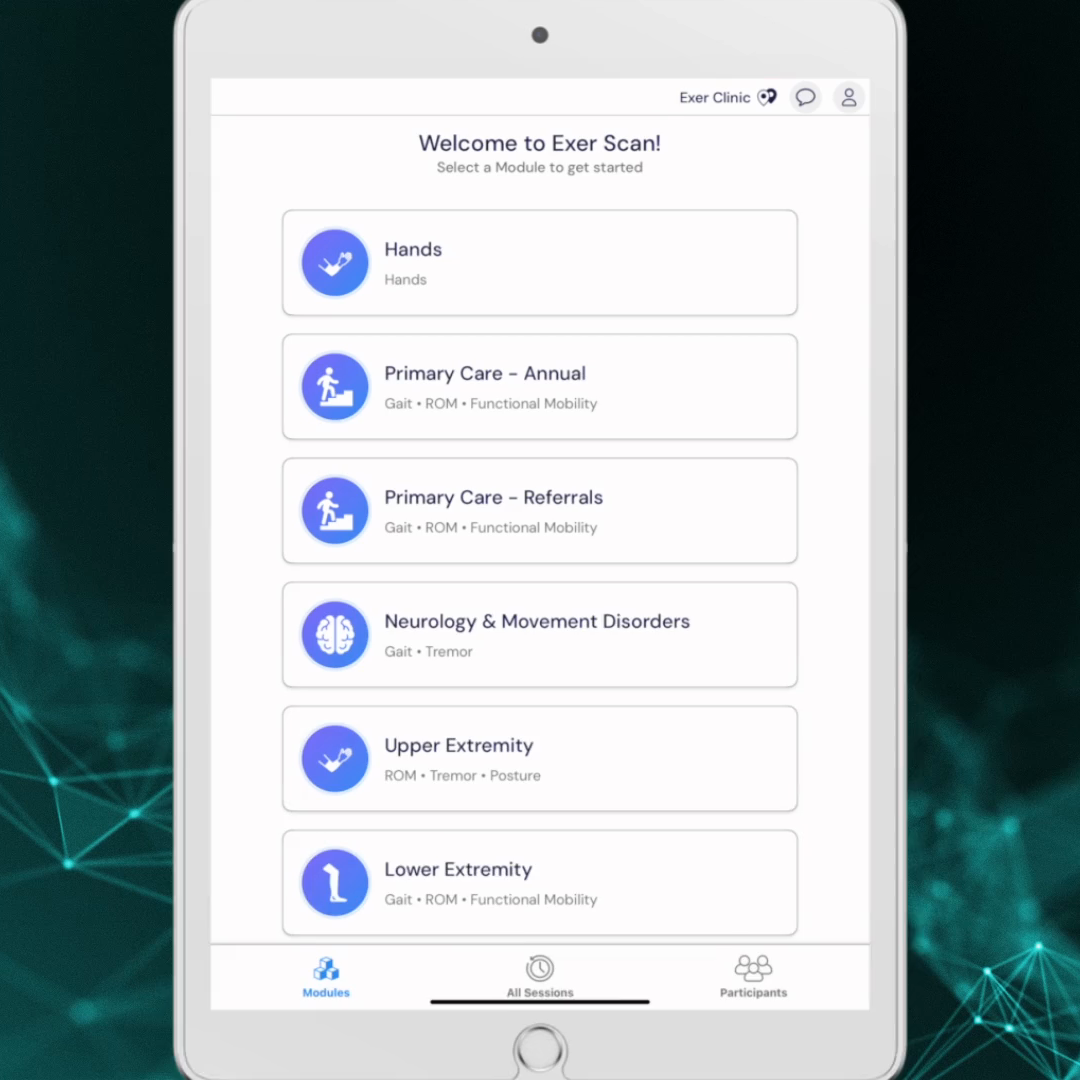
Learn how to create your Exer account login credentials, download the Exer Scan app onto your iPad, and sign in using those same credentials.

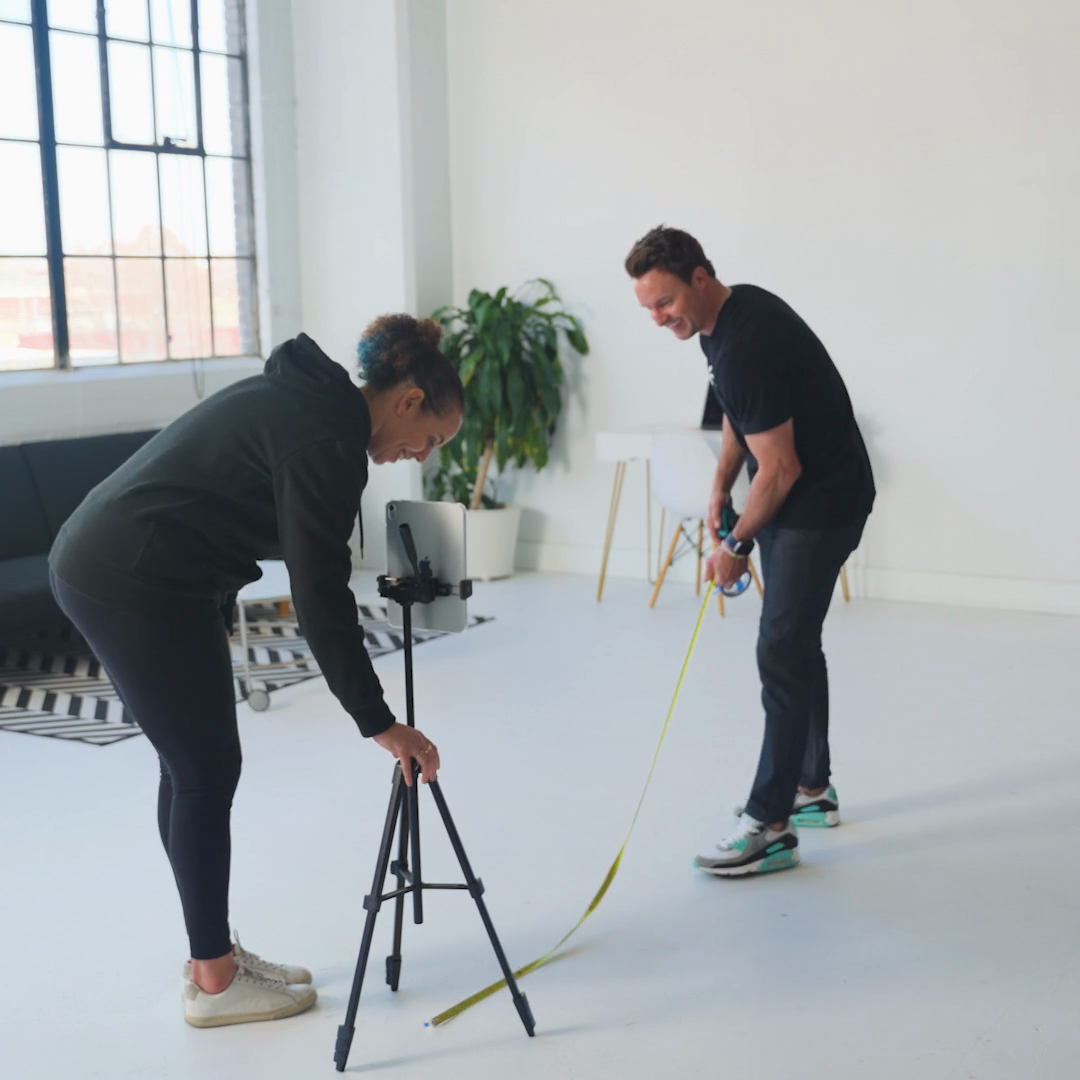
Proper tripod setup and environment configuration are essential for accurate data collection.
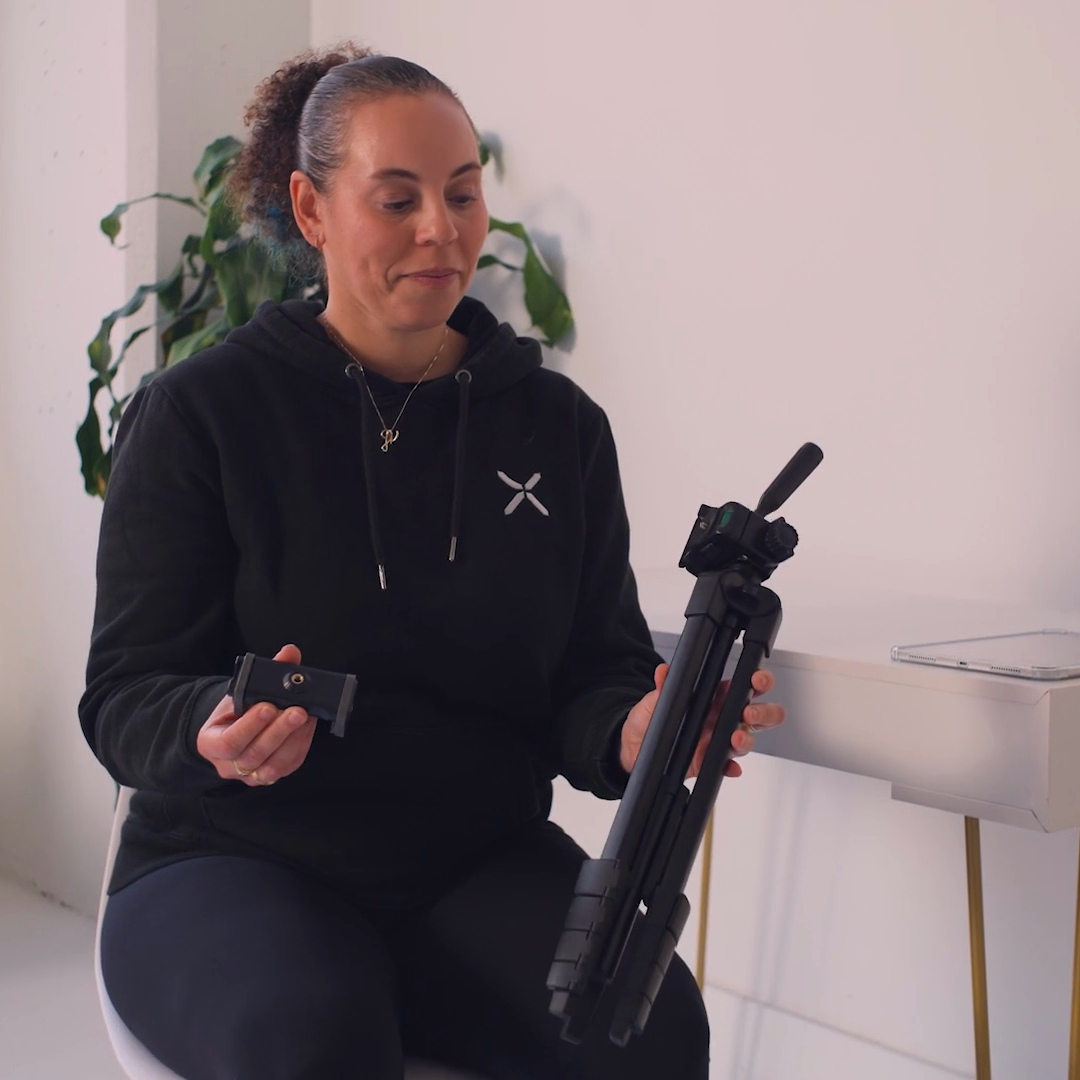
Review account and clinic location details.
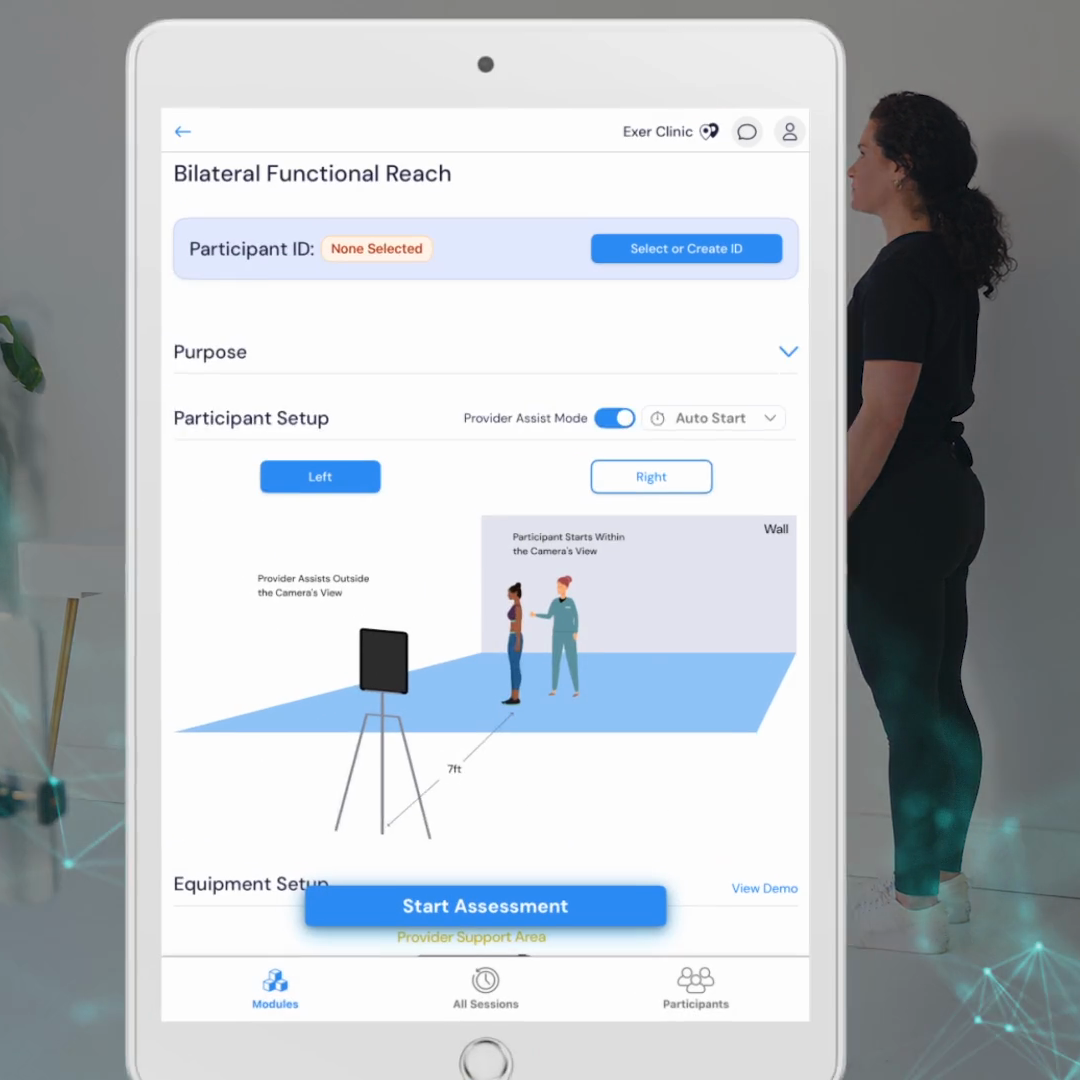
Walk through the example of performing an assessment using the Functional Reach Test.
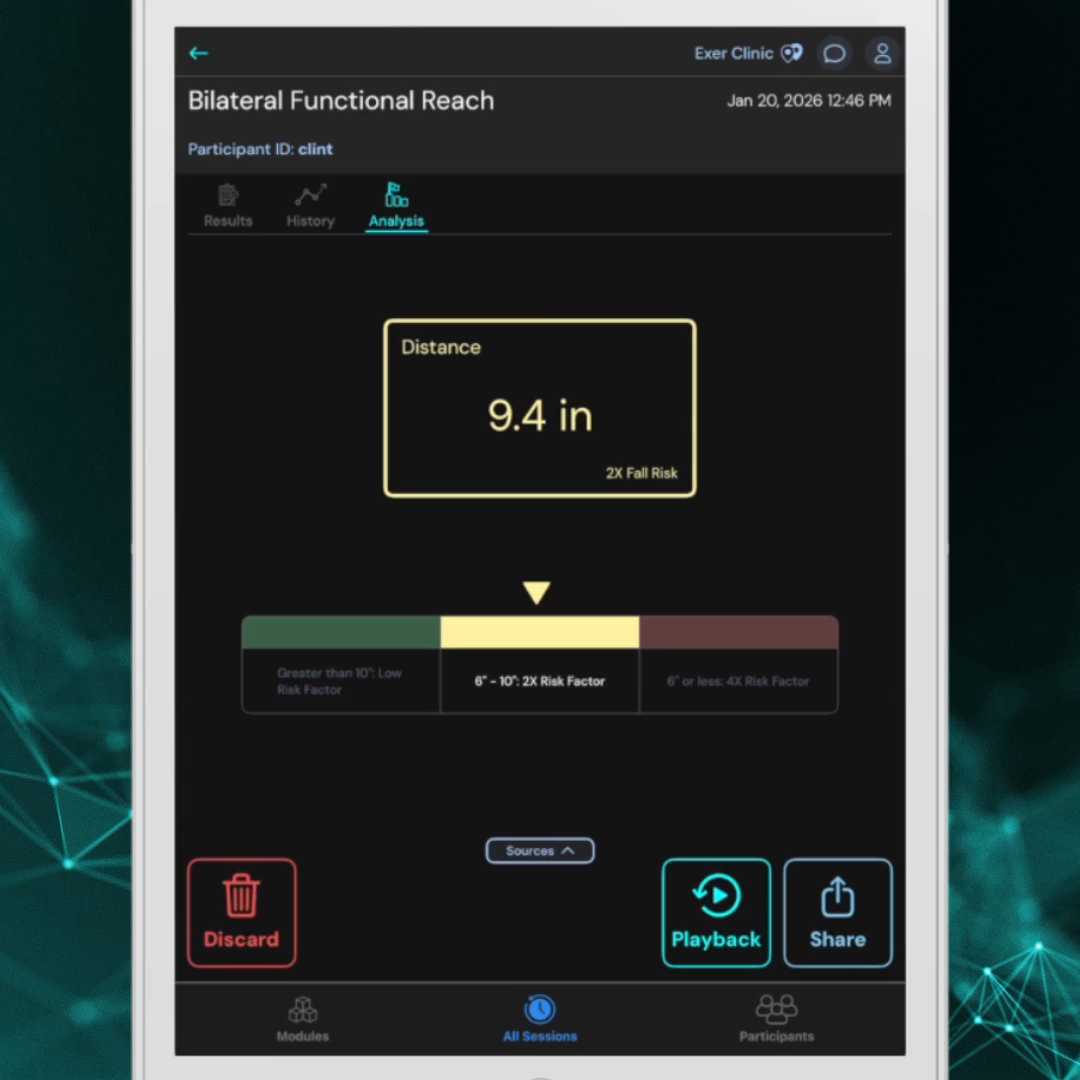
Review the Exer Scan results screen, highlighting where to review assessment outputs, how to view changes over time, and how to use the playback and sharing features.
This module walks through how to perform the three available gait assessments in Exer Scan, from setup through reviewing the kinematic data and visual graphs unique to gait results.

This module covers how to configure Exer Scan for a wellness event, from setting up for multiple participants to running quick, efficient assessments on-site.
Now that you know how to set up and run Exer Scan, let’s take a look at some common causes for in-app errors so you feel confident troubleshooting if they happen in your clinic.